Perfect binding gives manuals and spec books a clean, book style finish with a flat spine that’s easy to label and store. It’s a strong choice for client facing copies, proposals, and final versions of project manuals. This guide explains what perfect binding is, when it makes sense, and what to watch for so your files print the way you expect.
Related pages: Binding, File Preparation, Contact, Our Services
Quick answer
Perfect binding is the paperback style binding with a glued, square spine. It’s best when you want a polished look for client facing manuals, proposals, or office library copies. It’s less ideal for documents that need to lay flat all day on site or that will be updated frequently. For a fast quote, send one PDF, page count, finished size, colour pages or black and white, quantity, and your deadline for pickup in Hamilton or Burlington.
What is perfect binding
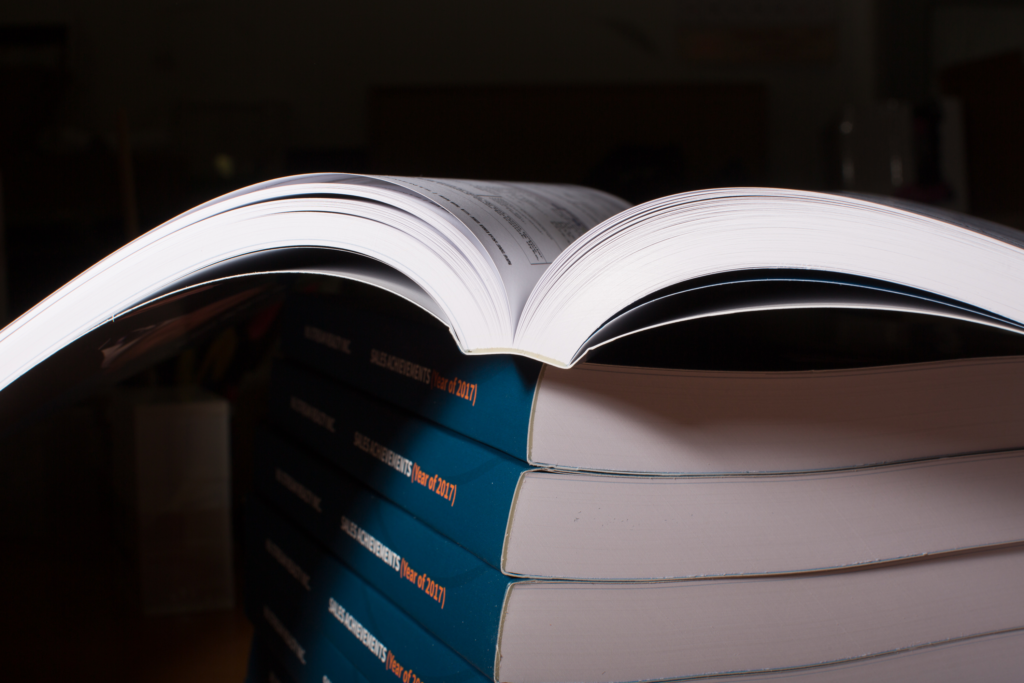
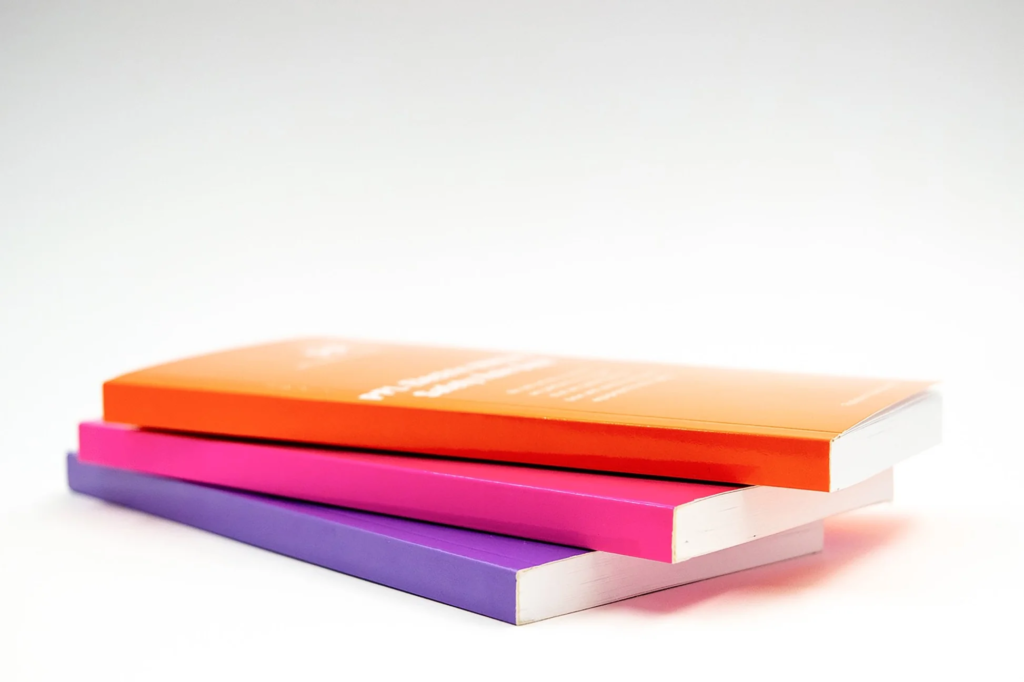
Perfect binding is the common “book spine” finish used for many paperbacks. Pages are gathered into a block, the spine edge is prepared, and the cover is bonded to create a clean, square spine.
Why people choose it for manuals and spec books
The main benefit is the finished look. A perfect bound book feels more like a final deliverable than a binder style manual. It stacks neatly, looks tidy on a desk, and the spine can be labelled so it’s easy to identify on a shelf.
If you’re comparing binding styles for a project package, the Binding page is a helpful overview.
How it behaves when opened
Perfect binding opens differently than cerlox or coil. It does not act like a lay flat binder. For many office and client facing uses, that’s fine. For heavy site use where a book needs to stay open to one page for long periods, another binding style may be easier.
Before sending files, use File Preparation to avoid issues like missing fonts, shifted margins, or unexpected page scaling.
When perfect binding is the best choice
Perfect binding is usually the right choice when presentation and organisation matter more than constant page flipping.
Client facing manuals and presentation sets
If you’re handing a package to a client, presenting a proposal, or delivering a final project manual, perfect binding looks finished and professional without feeling like a temporary binder.
Office library copies and internal documentation
Training manuals, policy documents, and internal references often benefit from a square spine that’s easy to label and store. It keeps shelves and document libraries organised.
If you’re producing multiple identical sets and want them grouped or labelled by recipient, project, or phase, Kitting can help with that workflow.
When you don’t expect frequent revisions
Perfect binding works best when the content is stable. If you expect addenda or constant updates, a binder style option is often easier to manage because you’re not treating the book as a final bound unit. If you’re unsure, start with Contact and share your use case, page count, and deadline.
When you should choose a different binding
Perfect binding is not the best match when the document needs to lay flat for long periods, takes heavy daily abuse, or will be revised and reprinted often.
Heavy daily site use
If the book will live in a truck, get opened constantly on site, and be handled with dirty hands or gloves, a binding that lays flatter and tolerates repeated opening can be easier to live with. In those cases, coil or other binder style options are often considered.
If your set is mainly for site reference, compare options on Binding before committing.
Frequent updates and addenda
Perfect binding is usually chosen for “final” versions. If you expect revisions, it’s harder to update without producing a new bound copy.
If you’re issuing addenda weekly or juggling multiple versions, you may be better with a binding style that supports quicker reprints and less waste. A simple version naming approach from File Preparation helps avoid printing the wrong file.
Very low page count booklets
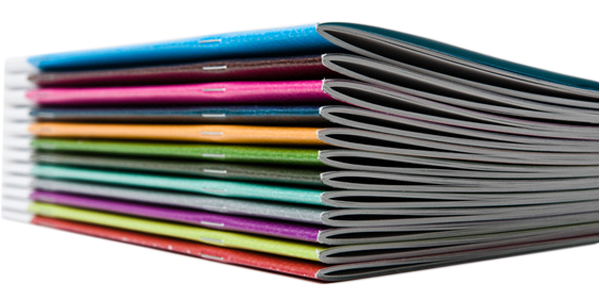
If the document is short and behaves like a booklet, perfect binding can be unnecessary. A booklet style format often feels cleaner and keeps the package lightweight.
Perfect binding page count guide
There is no single perfect page number that applies to every job, because paper thickness, cover stock, and single or double sided printing all affect the final thickness. Use these ranges as practical guidance.
Under 40 pages
Perfect binding is usually not the first choice for very short documents. If your goal is a simple handout, a booklet style approach can be more natural.
If the document must look like a “finished book” even at a low page count, it can still be considered, but it’s worth confirming with your printer first.
40 to 120 pages
This is a common range for manuals, reports, and presentation copies. The book usually feels substantial enough to benefit from a square spine, without becoming bulky.
120 to 250 pages
Still common for training manuals and larger documentation sets. At this thickness, paper choice and whether you print double sided can noticeably affect bulk and handling.
If you have multiple sections, you may also consider splitting into volumes for usability, especially if the book will be referenced frequently.
250 plus pages
At higher page counts, splitting into multiple volumes often improves usability and reduces strain on the spine during heavy use. If it’s a working manual, a binder style option may also be more practical.
Quick reference table
| Page range | Perfect binding fit | Notes |
|---|---|---|
| Under 40 | Sometimes | Often feels like overkill |
| 40 to 120 | Strong fit | Good for manuals and presentation sets |
| 120 to 250 | Good fit | Paper choice affects bulk a lot |
| 250 plus | Depends | Often better split into volumes |
Before you send anything, double check the PDF export and page scaling using File Preparation.
Cover and finishing details that matter
Perfect binding looks best when the cover and spine details are treated carefully. Small file issues show up quickly on a bound spine.
Cover setup and spine readability
If you want text on the spine, it needs enough spine width to stay readable. That width is affected by page count and paper thickness. If you’re unsure, share your page count and paper type and ask what spine text is realistic.
If you are supplying a full cover (front, spine, back), make sure the design is built to the correct size and the text is not too close to edges.
Paper choice affects thickness and feel
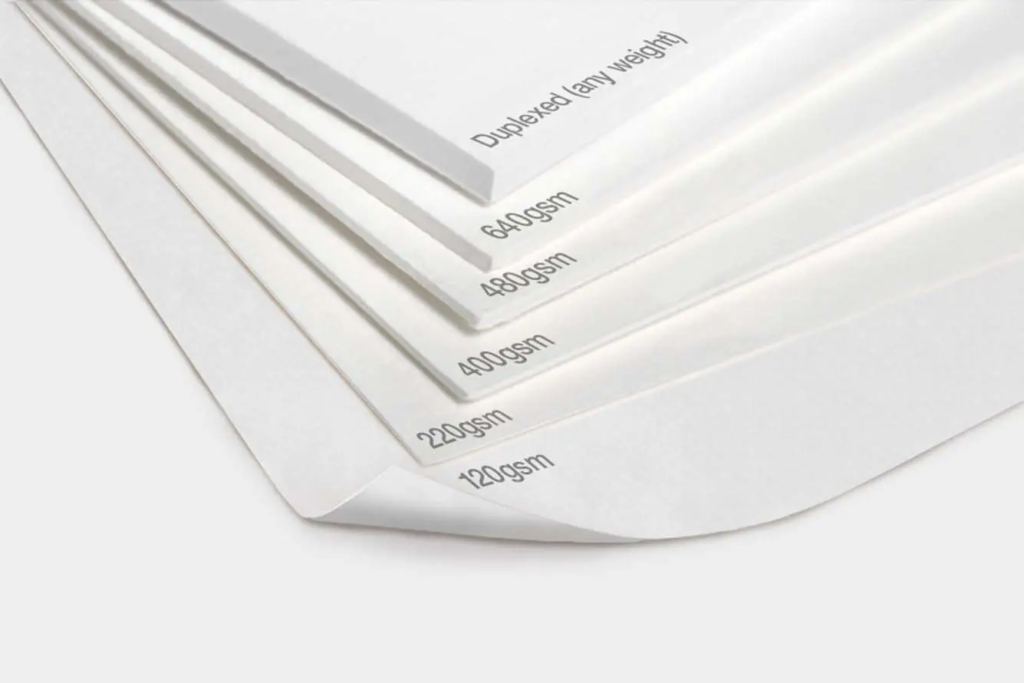
Heavier paper can make the book feel premium, but it can also increase thickness quickly. Lighter paper reduces bulk, which can be helpful for thicker manuals.
If readability is the priority, especially for detailed tables and specifications, ask for a paper recommendation when you reach out through Contact.
Common add ons
Depending on the use case, you may want a stronger cover stock, a cleaner finish, or other upgrades that help the book hold up.
If you are producing a larger package that includes other printed components, you can browse Our Services to coordinate related items alongside the bound manuals.
Common mistakes that slow down perfect bound manuals
Perfect binding tends to highlight file issues because the spine and cover are part of the finished product. Most delays happen before printing even starts.
Sending the interior as multiple files
Perfect binding is easiest when the interior is delivered as one final PDF in the correct order. If you have multiple sections, merge them before sending.
Missing fonts or shifting layout
If fonts are not embedded, text can reflow and spacing can change. Export with embedded fonts, then open the PDF and scroll through it to confirm headings, tables, and page breaks look right.
A quick checklist is on File Preparation.
Forgetting version control
Perfect binding is often used for “final” copies, which makes version mistakes costly. Use clear naming, like:
- Project Manual v4 FINAL
- Training Manual 2026 01 27
If you are sending multiple versions, say explicitly which one should be printed.
Mixed page sizes without notes
If your PDF includes letter and legal pages, note it when you send the file. Mixed sizes can be handled, but it should be caught before production.
Cover file confusion
If you are providing a cover file, label it clearly and confirm whether it is:
- front only, or
- full cover spread (front, spine, back)
If you do not have a cover, say that too. That avoids assumptions.
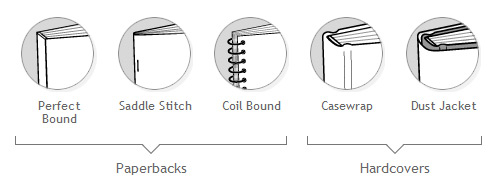
Perfect binding vs coil vs cerlox vs saddle stitch
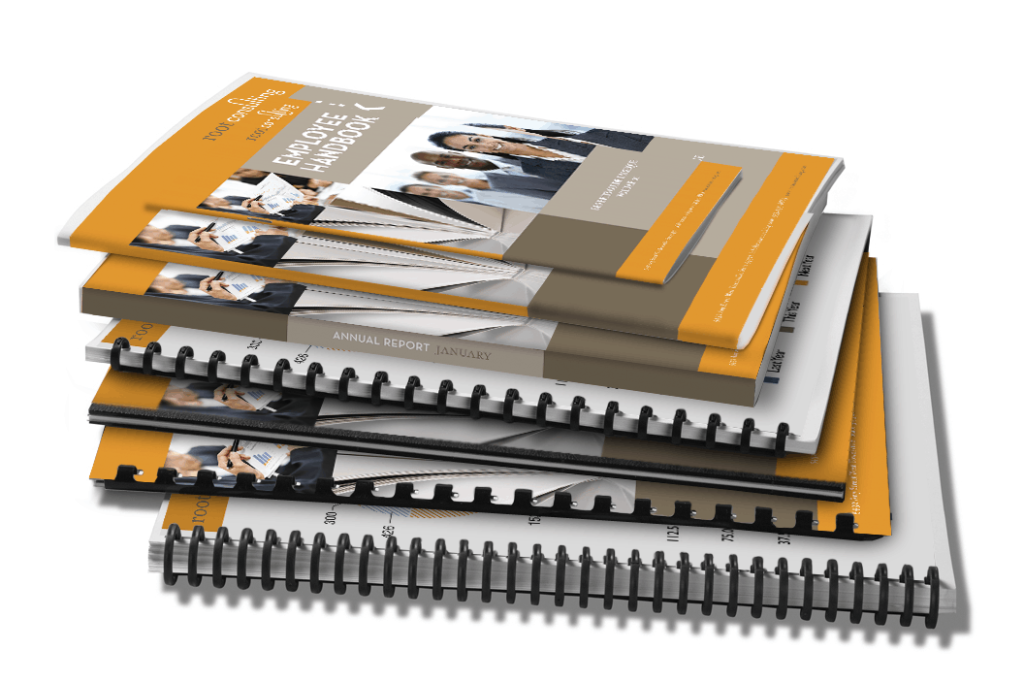
If you’re choosing between common binding styles, focus on how the manual will be used.
Perfect binding
Best for a clean, finished look. Good for presentation copies, proposals, training manuals, and office library sets where a square spine helps with storage and labelling.
Coil binding
Best for heavy handling and lay flat use. Often preferred for site manuals that need to stay open while someone is working.
Cerlox binding
A practical choice for tender sets and office manuals where you want quick binding and easy flipping, without needing a book spine.
If you want a cerlox specific breakdown, see Cerlox Binding for Spec Books. If you also need plan sets printed with your spec books, see architectural and construction drawing printing.
Saddle stitch
Best for low page count booklets. Clean and simple when the document is short and meant to be handed out.
For a broad overview of options, Binding is the main hub.
Turnaround and pickup in Hamilton and Burlington
Timelines depend on page count, quantity, and whether the job includes a cover file and any finishing choices. If you are working toward a deadline, include it up front so timing can be confirmed early.
What usually affects timing
- whether the interior PDF is final and print ready
- whether you are supplying a cover file
- page count and quantity
- any changes needed before printing
Use File Preparation before sending files to reduce delays.
Pickup locations
You can arrange pickup at either location:
- Print Factory Ink Hamilton: 9 Sterling Street, Hamilton ON L8S 4H6
- Print Factory Ink Burlington: 2 4161 Morris Drive, Burlington ON L7L 5L5
If you’re not sure what to send, start with Contact and include your page count, quantity, and deadline.
FAQ: Perfect Binding for Manuals and Spec Books
What is perfect binding used for?
Perfect binding is commonly used for manuals, training books, proposals, reports, and spec books that need a clean, book style look with a square spine.
Is perfect binding good for spec books and tender sets?
It can be a good fit for client facing or “final” copies where presentation matters. If the set will be revised often, a binder style option may be easier to manage.
Does perfect binding lay flat when opened?
Not like coil or cerlox. Perfect bound books open like paperbacks. If you need the manual to stay open on a table for long periods, another binding style may work better.
How many pages work best for perfect binding?
It depends on paper thickness and how the book will be used. Many manuals and reports fall into a practical range where a square spine makes sense. If you share your page count and size, the best approach can be confirmed.
Is coil binding better than perfect binding for site manuals?
For heavy daily site use, coil is often preferred because it lays flatter and handles frequent opening well. Perfect binding is often preferred for a cleaner, presentation focused finish.
Do I need a separate cover file for perfect binding?
Sometimes. If you have a designed cover, send it clearly labelled. If you do not, you can still send the interior PDF and ask what cover options are available. Clear file naming helps avoid mistakes.
What file format should I send for perfect binding?
A print ready PDF is best. Make sure fonts are embedded and the page order is final. If you are providing a cover file, label it clearly.
Can I pick up perfect bound manuals in Hamilton or Burlington?
Yes. Include your preferred pickup location and deadline when you request a quote so timing can be confirmed.